
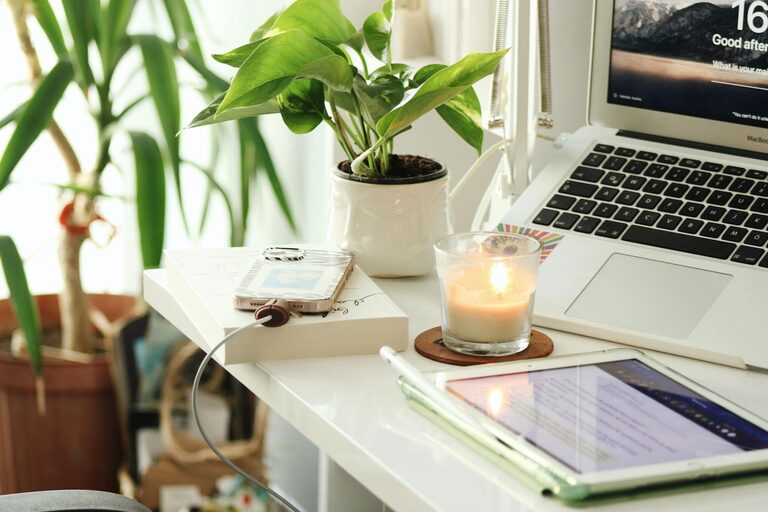
Creating a productive home office environment is essential for anyone working remotely or running a business from home. A well-designed workspace can help reduce distractions, increase focus, and improve overall work satisfaction. Whether you have a dedicated room or a small corner in your living space, the right setup can make a big difference. Here are some helpful tips to create an efficient and comfortable home office.
Choose the Right Location
Selecting the right spot for your home office is the first step toward productivity. Ideally, pick a quiet area with minimal foot traffic and distractions. If possible, choose a space that is separate from your leisure or sleeping areas to help keep work and relaxation distinct.
Consider natural light
Position your desk near a window to take advantage of natural light. This can boost mood and reduce eye strain. However, avoid glare on your computer screen by using curtains or blinds if needed.
Invest in Ergonomic Furniture
Comfort is key when spending long hours at a desk. Investing in ergonomic furniture can prevent discomfort and health issues such as back pain and repetitive strain injuries.
– Chair: Choose a chair with adjustable height, lumbar support, and comfortable cushioning.
– Desk: Select a desk at the right height for typing and writing to avoid strain.
– Keyboard and mouse: Use ergonomic models if possible to reduce wrist tension.
Organize Your Workspace
Clutter can distract and slow productivity. Keeping your workspace tidy and organized helps you maintain focus and find what you need quickly.
– Use drawers, shelves, and containers to store supplies.
– Keep only essential items on your desk.
– Organize cables to prevent tangling and mess.
Optimize Lighting
Good lighting is important for reducing eye strain and staying alert throughout the day. Along with natural light, consider these options:
– Use a desk lamp with adjustable brightness.
– Opt for daylight bulbs that mimic natural light.
– Avoid harsh overhead lighting or shadows on your workspace.
Set Up Technology Wisely
Reliable technology supports smooth workflow and communication when working from home.
– Invest in a fast and stable internet connection.
– Choose a good quality monitor, keyboard, and mouse.
– Use noise-canceling headphones if necessary to block distractions.
– Keep devices charged and cables organized.
Personalize Your Space
Adding personal touches to your home office can boost comfort and motivation.
– Display photos, artwork, or plants.
– Use colors you find calming or inspiring.
– Incorporate scents with candles or diffusers if you enjoy them.
Create a Routine and Boundaries
Maintaining a clear work schedule helps improve productivity and prevent burnout.
– Set regular working hours.
– Take scheduled breaks to rest your eyes and stretch.
– Inform family or housemates of your work hours to minimize interruptions.
Minimize Distractions
Home environments can have many distractions. Try these strategies to stay focused:
– Turn off unnecessary notifications on your devices.
– Use apps or browser extensions that block distracting websites during work hours.
– Keep your phone out of reach if it causes frequent interruptions.
Take Care of Your Well-Being
A productive home office isn’t just about the physical space; your mental and physical health matters too.
– Incorporate short physical activities or stretches throughout your day.
– Stay hydrated and eat nourishing snacks.
– Maintain good posture while sitting.
Regularly Evaluate and Adjust
Your needs may change over time, so it’s important to assess your workspace periodically.
– Notice if discomfort or distractions increase.
– Make changes to furniture, lighting, or organization when needed.
– Experiment with different setups to find what works best.
Final Thoughts
Creating a productive home office is achievable with thoughtful planning and simple adjustments. Prioritize comfort, lighting, organization, and clear boundaries to support your workday. With these tips, you can enjoy a home workspace that helps you stay focused, efficient, and motivated.